Search Lumi events
AI summary
About AI summaries.
Imply Lumi gives you flexibility in how you search your event data. Whether you prefer to stay in familiar tools, use natural language, or write queries directly, Lumi integrates seamlessly with the environments you already use.
You can search events in Lumi directly using Lumi query syntax. See Search events with Lumi to learn how to access and use the explore view.
You can also search Lumi events from third-party applications by configuring application integrations. The integrations enable you to:
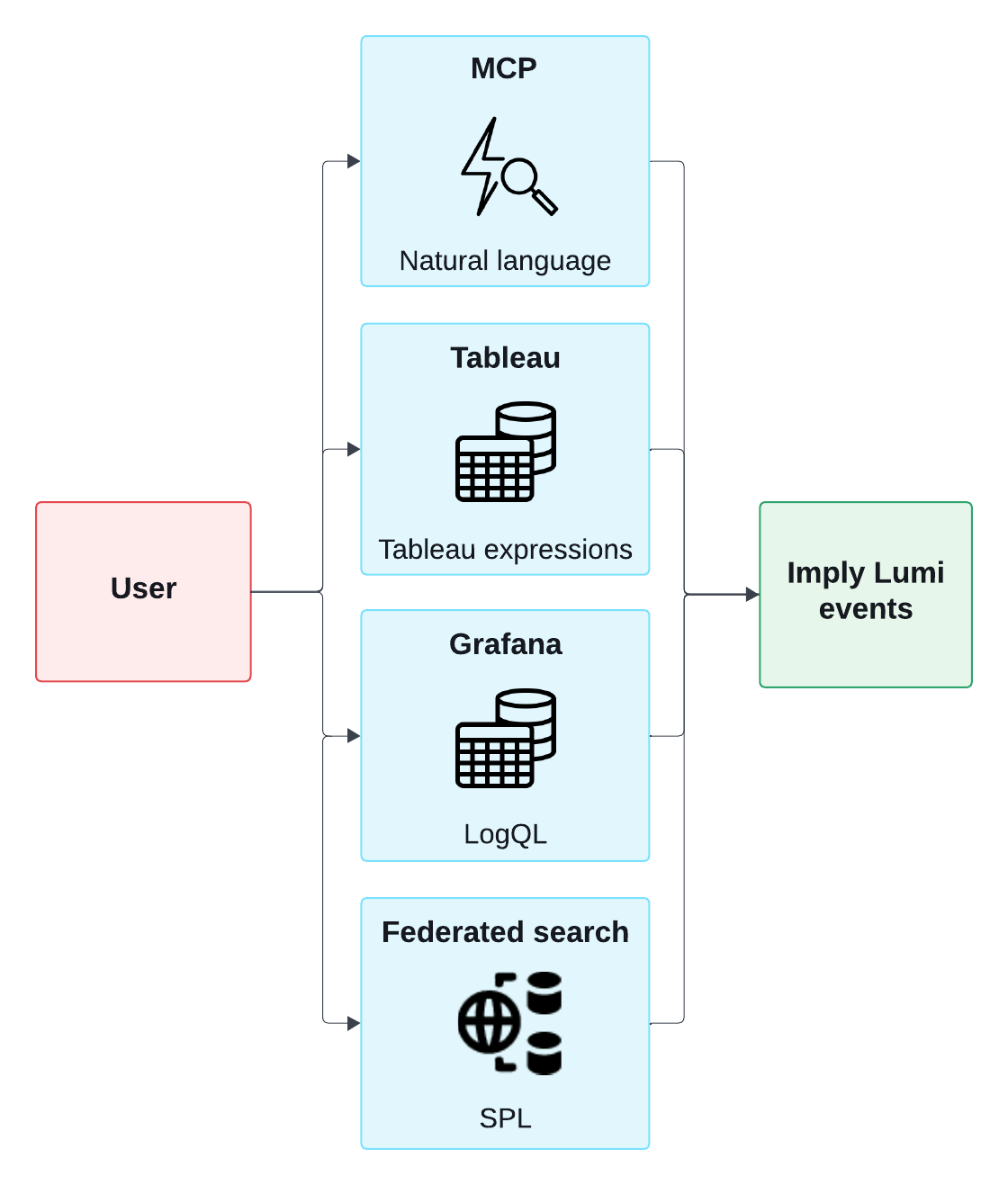
- Run federated searches in Splunk® using SPL.
- Query with AI agents through the Model Context Protocol (MCP) using natural language.
- Connect Grafana through a Loki data source to search with LogQL.
- Connect Tableau through JDBC and use its built-in expressions.
Query integrations
From the Integrations page in Lumi, choose the approach that works best for you:
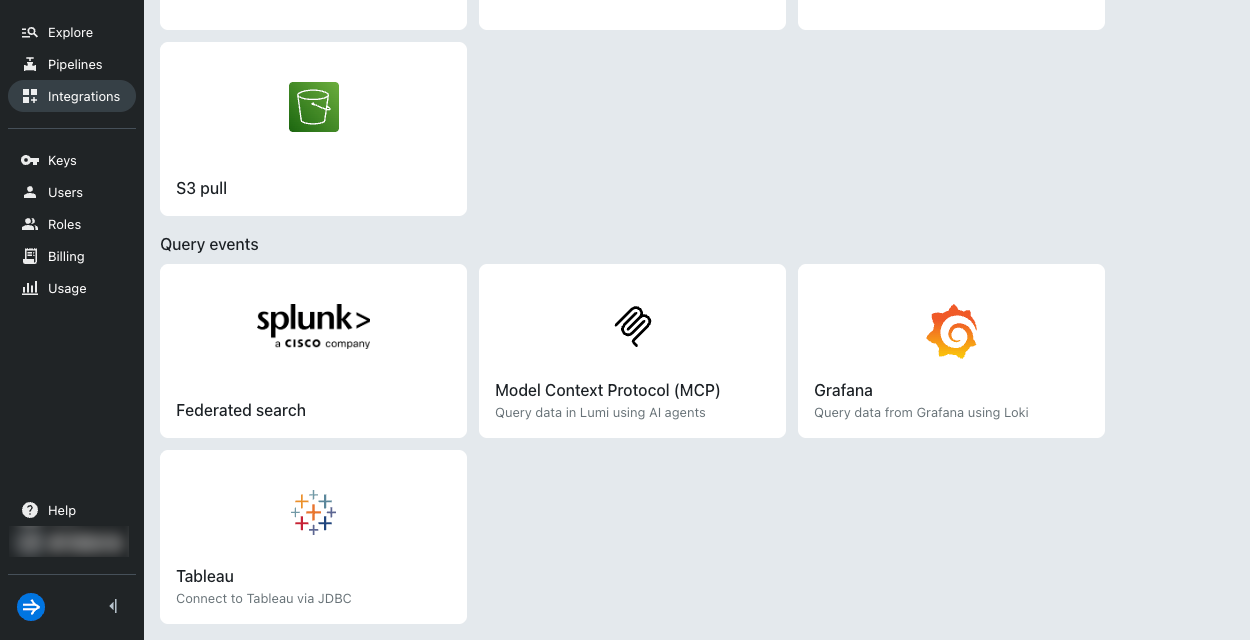
Query methods
The diagram below shows the integrations and search methods you can use to query Lumi events:
For step-by-step setup and examples, see the following topics:
- Search events with Grafana
- Search events with Splunk
- Search events with Claude Code
- Search events with Claude Desktop
- Search events with Cursor
- Search events with Visual Studio Code
Learn more
For tutorials on the different search methods, see the following topics: